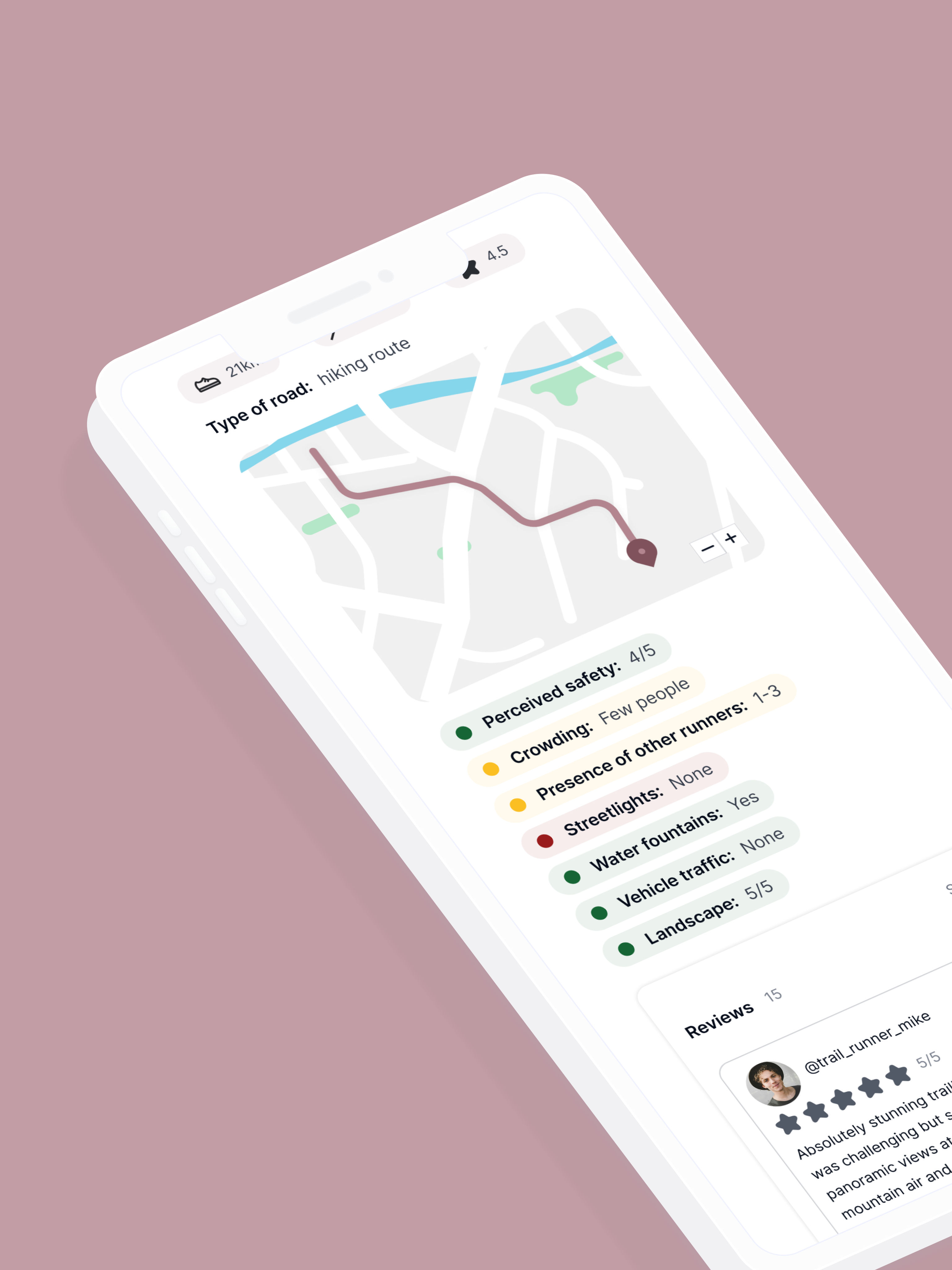
Runnable preview showing route planning on a map with a run summary card

Runnable

Building a running app for safer outdoor workouts.

Type of project: UX Project
Process: From scratch

Reading time: 10 minutes

Problem statement

People who start running or change their preferred running routes often struggle to find new routes that match their running preferences, such as distance, elevation, and scenery.

For solo runners, finding routes that also feel safe becomes a significant challenge, especially when they lack local guidance or someone to ask.

How can we create an app that helps solo runners find new running routes that match their preferences and also make them feel safe?

Introduction

User story

Serena, 25 years old, has just moved to a new town. She is very active and has always loved running: she goes for a jog three times a week, and she loves exploring new routes on her longest run. However, since she moved, she struggles to find routes near her that cover her usual distances and, more importantly, make her feel safe during her solo runs.
She doesn't know any runners in the area, and she doesn't want to give up her outdoor workouts just because she feels unsafe and disoriented.
How can we help her?

Target users

The target users for the app are running enthusiast of every age who want to discover new routes near their location and are concerned about the condition and the safety of the route.

Costumer journey

For the user, I hypothesized 5 steps of their experience with the app:

Consider: the user considers trying a new running route.

Research: the user searches for a running route.

Choose a route: the user selects the route that best suits their workout.

Run: the user goes for a run on the chosen route.

Register and rate: the user logs their workout and rates the route.

Primary research

Objectives

I wanted to understand key aspects of safety perception and route selection during running:

Safety perception: how runners perceive safety, which may differ from actual safety and varies by gender, age, and experience.

Search process: how runners look for new routes.

Decision: how runners choose a route for their workout.

Activity registration: which details of the run users want to record.

Communication: how users describe and share route information with friends or fellow runners.

Set up

  • Participants: due to the project's small scale and the lack of monetary incentives, the study involved 3 participants (1 male, 2 females).
  • Type of research: semi-structured interview

Insights and suggestions

Everyone has a different safe perception, which can be influenced by gender or age.

Don't rely solely on a safety perception rating. Instead, have users evaluate routes based also on objective factors that influence safety perception, such as the presence of other people and pedestrian-friendly areas.

People tend to report to other runners the characteristics of a route that they find important, and do not change their description based on the listener.

Information to register for each run:

  • Route-based: mileage, distance from the starting point, inclination, type of road, number of drinking fountains, beauty of the landscape.
  • Performance-based: pace (average and for km), calories burned, heart rate, distance covered.
  • Safety related aspects: presence of other people, presence of other runners, number of streetlights, presence of vehicles.
  • Others: weather of the day, mood before and after the run, perceived fatigue during the run.

Runners are different:

  • Not every runner plans their runs (this often depends on their experience and weekly mileage - the more they run, the more they tend to plan).
  • Exploring new routes without knowing what to expect is more common when visiting new places or when they have no time constraints, such as on holidays or weekends.
  • Searching for new routes isn't always methodical, because some runners simply start running and explore.

This information helped defining four types of user personas.

Strategy and branding

Personas

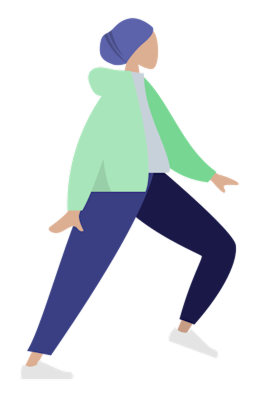
Illustration of a new runner

Newbies: people new to running who want to find the best and safest routes for their workouts.

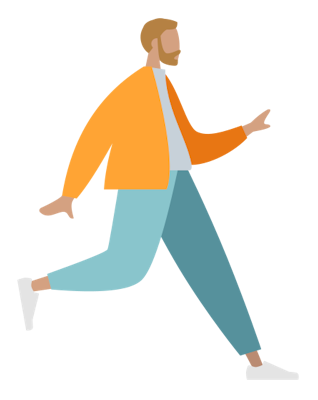
Illustration of an experienced runner

Experienced runners: those who run longer distances and need to plan routes that match their scheduled mileage.

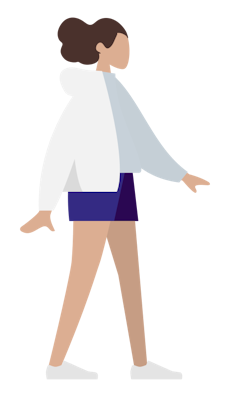
Illustration of a solitary runner

Solitary runners: runners who run alone and don't feel safe.

Illustration of an explorer runner

Explorers and Spontaneous runners: Runners who enjoy discovering new places in their area or when visiting new locations for leisure or work. They are open to sharing their routes with friends and the community.

Competitor analysis

Strava and Komoot have been identified as the two main competitor given their relevance on the market, the features proposed, and their marketing strategies.

Competitor
Strava
Komoot
Features
  • Register and share your workouts
  • Visualize your workout history
  • Create and save new routes
  • Progress tracking
  • Monthly challenges
  • Interaction with other users
  • Search new routes
  • Plan workouts (save a route for another day)
  • Register your activity
  • Create and save new routes
  • Rate the routes
Selling points and marketing themes
  • Focus on community interaction
  • Partnership with influencers
  • Ambassadors participate to running events
  • "Social-media" - like interaction structure
  • Community-driven contents
  • Adventure and exploration
  • Focus on sport activities you can do in the mountains
  • Simple UX
  • Great for planning your outdoor activities
Focus
Run, Swim, Walk, Hike, Cycling
Run (more trail run), Hike, Cycling (mountain bike)

Unlike competitors, our app focuses on two main themes: safety and exploration.

Planning your workout in advance not only enhances your perception of safety but also enables you to discover new parts of your city or a new place without the fear of the unknown. Viewing comments and feedback from other users helps you better plan your runs and feel safer, especially when running alone. For spontaneous runners, registering and sharing new routes benefits others who want to explore your area.

Lean branding

Values

We are
  • Reliable
  • Simple
  • Communal
We are not
  • Overcomplicated
  • Uninspiring
  • Exclusive

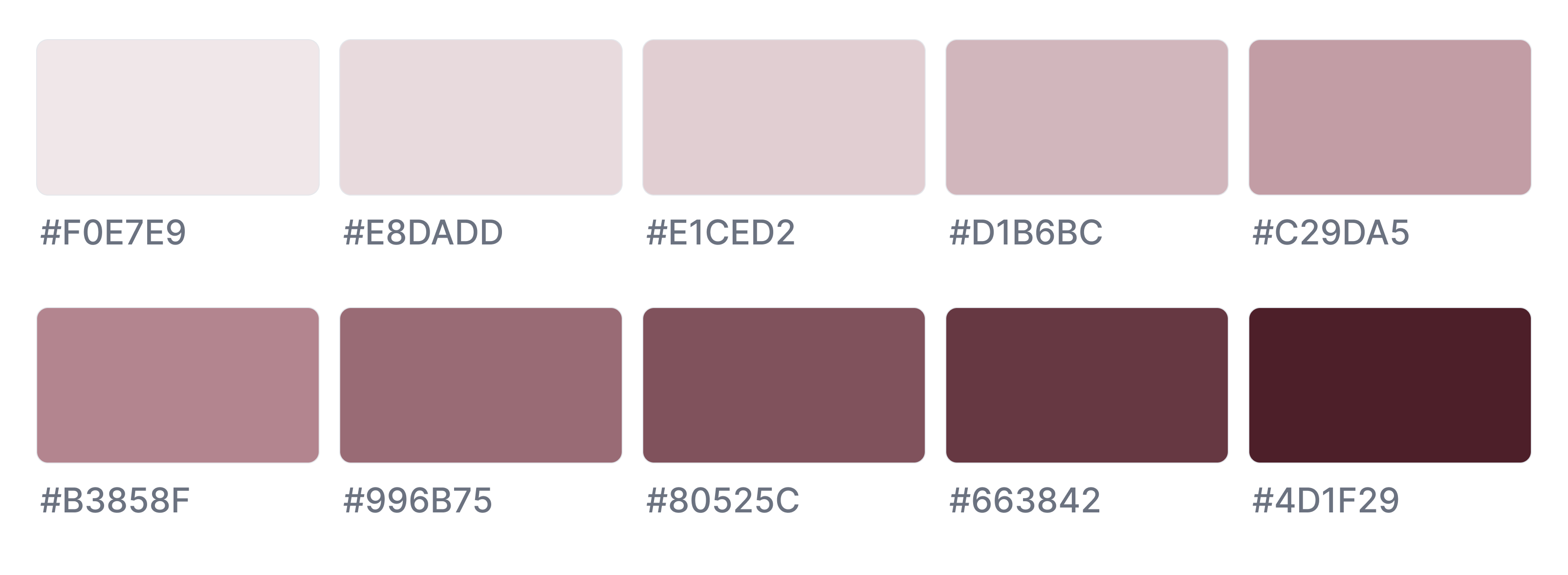
Primary color palette

Runnable app primary color palette

Designs and prototypes

Sitemaps and userflows

Here is the sitemap of the app and the userflows for the two main features: search (and save) and register the workout.

Designs

Search

One of the app's most important features is the search function: users should be able to find the ideal route based on their current location, desired distance from the route's starting point, and preferred route characteristics.

The results are displayed both on the map and as cards: users can click on either to view route details and save the route for later.

Activity

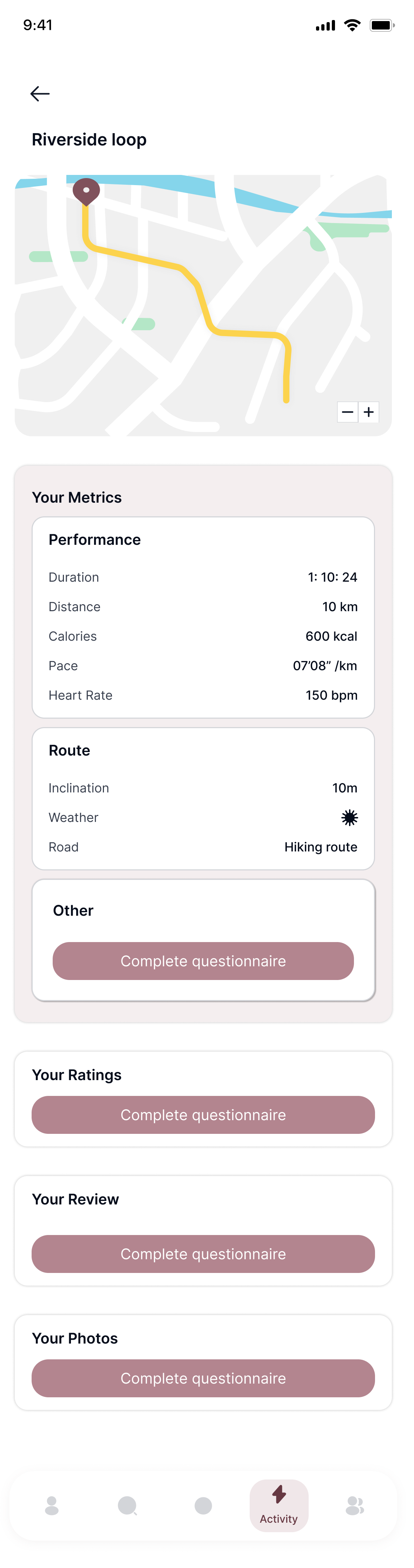
In the Activity section, users can view details of their past workouts saved in the app, as well as the routes they plan to try in upcoming sessions.

Registration

When starting a run - whether on a chosen route or a new one - users can register their activity. They must activate GPS and have also the option to connect a smartwatch or sensor to track heart rate and calories burned.

After the run, the user can choose to save the workout data and complete a questionnaire to rate the route and overall experience.

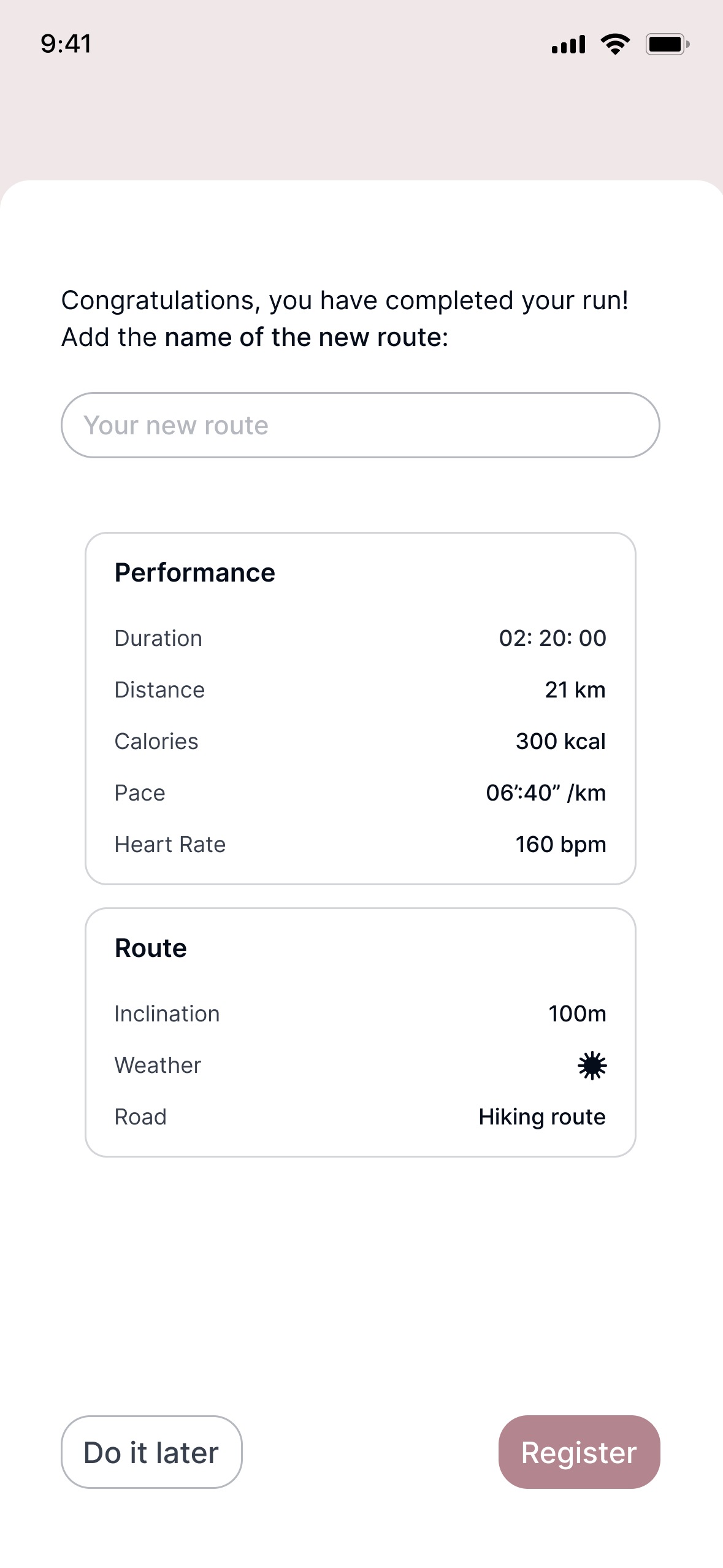
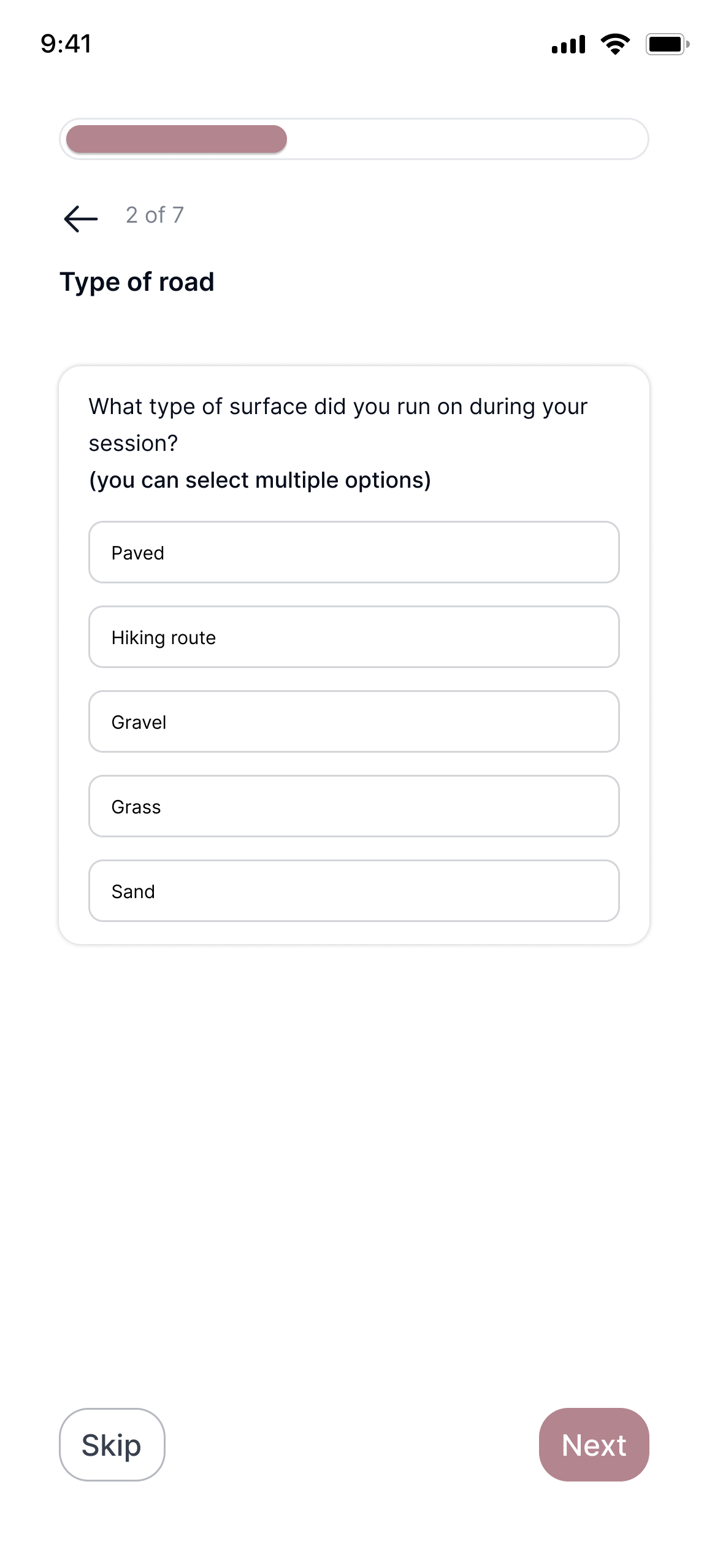
When the registered run is done on a new route, the user also needs to choose and enter a name for the route and answer an additional question in the questionnaire.

Route naming screen Road type questionnaire screen

If the user decides to skip the questionnaire or certain parts of it, the details screen will display a button inviting the user to complete the questionnaire.

Activity details screen with incomplete questionnaire prompt

Homescreen and community

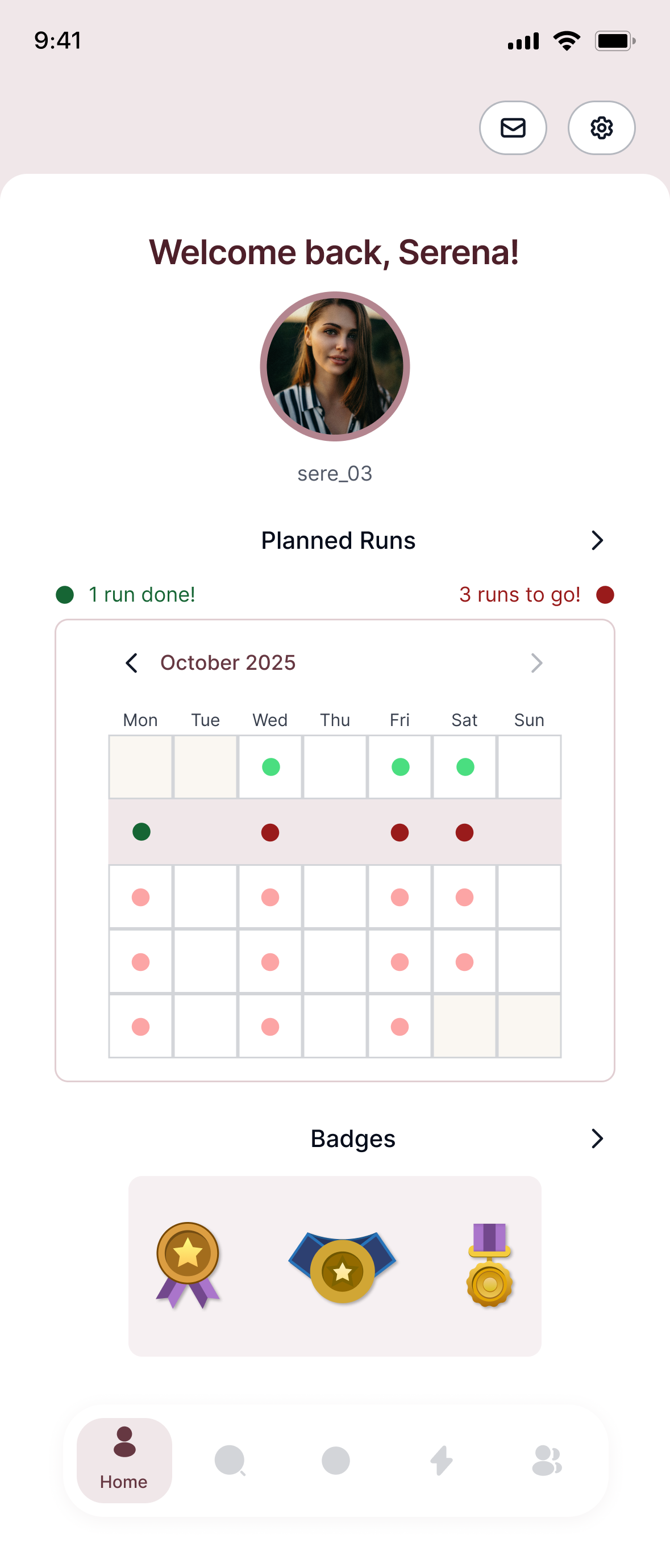
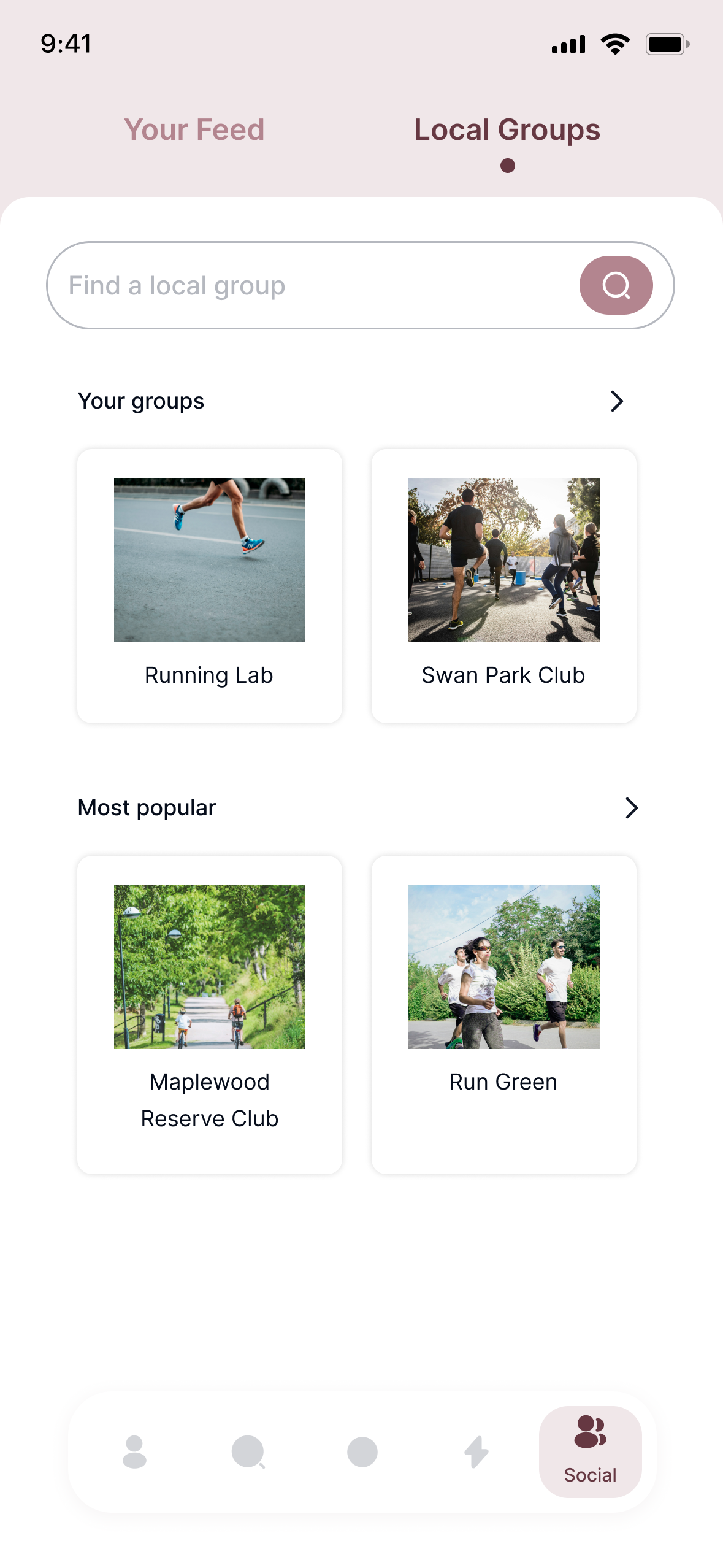
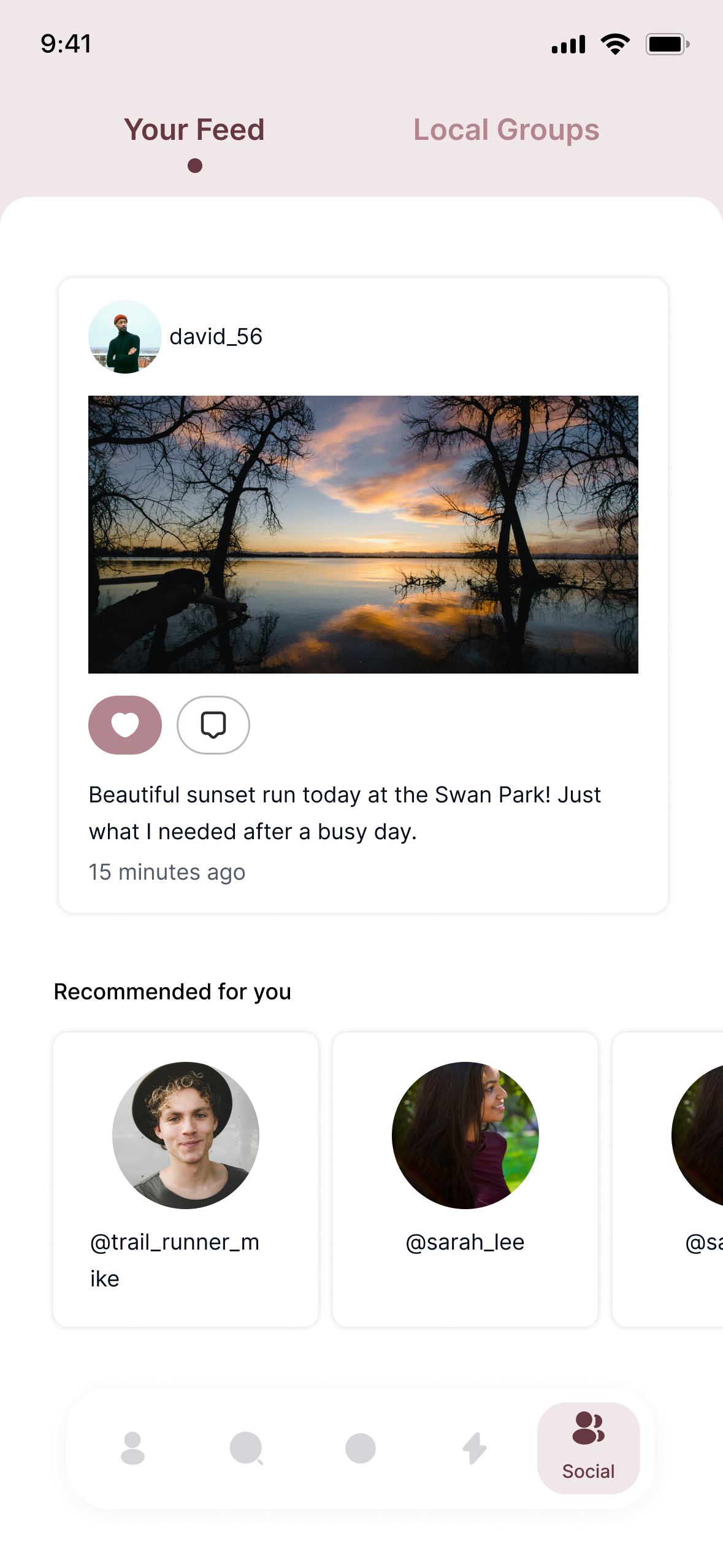
Finally, there are two additional sections: the Homescreen, where users can view their profile picture, badges, and running program (selected at onboarding and editable in settings); and the Community section, where users can view posts from others and find local running groups to join. The Community feature is designed for solo runners who want to connect with others for workouts.

Homescreen showing user profile and running program Community groups screen Community feed screen

Testing

Methods

After developing the first version and prototypes, a first round of testing is needed before the next design iteration. It is essential to determine if the app's two main features—the search and registration—are intuitive and function well.

Experimental design

  • Participants: at this stage, 5 participants are enough to gather major insights and highlight major usability issues.
  • Testing duration: 1 hour.
  • Instructions: after answering a few demographic questions, participants will be instructed to open the Home screen and explore the app for a few minutes (e.g., examining the toolbar) while thinking aloud. Next, they will complete two tasks: first, they will use the search section to find and save a specific route; then, they will locate the saved route in the Activity section, simulate starting a run, register the activity, and review the questionnaire. Participants should continue to think aloud throughout the tasks.

Measures

  • Task success rate: whether participants complete each task successfully without help.
  • Time on task: how long it takes for participants to complete each task.
  • Error rate and types: keeping track of user errors or misunderstandings during tasks, such as mis-clicks, navigation mistakes, or confusion about UI elements.
  • Think-aloud data: analysis of participants' verbal comments for pain points, confusion, and feedback.

Share feedback about Runnable